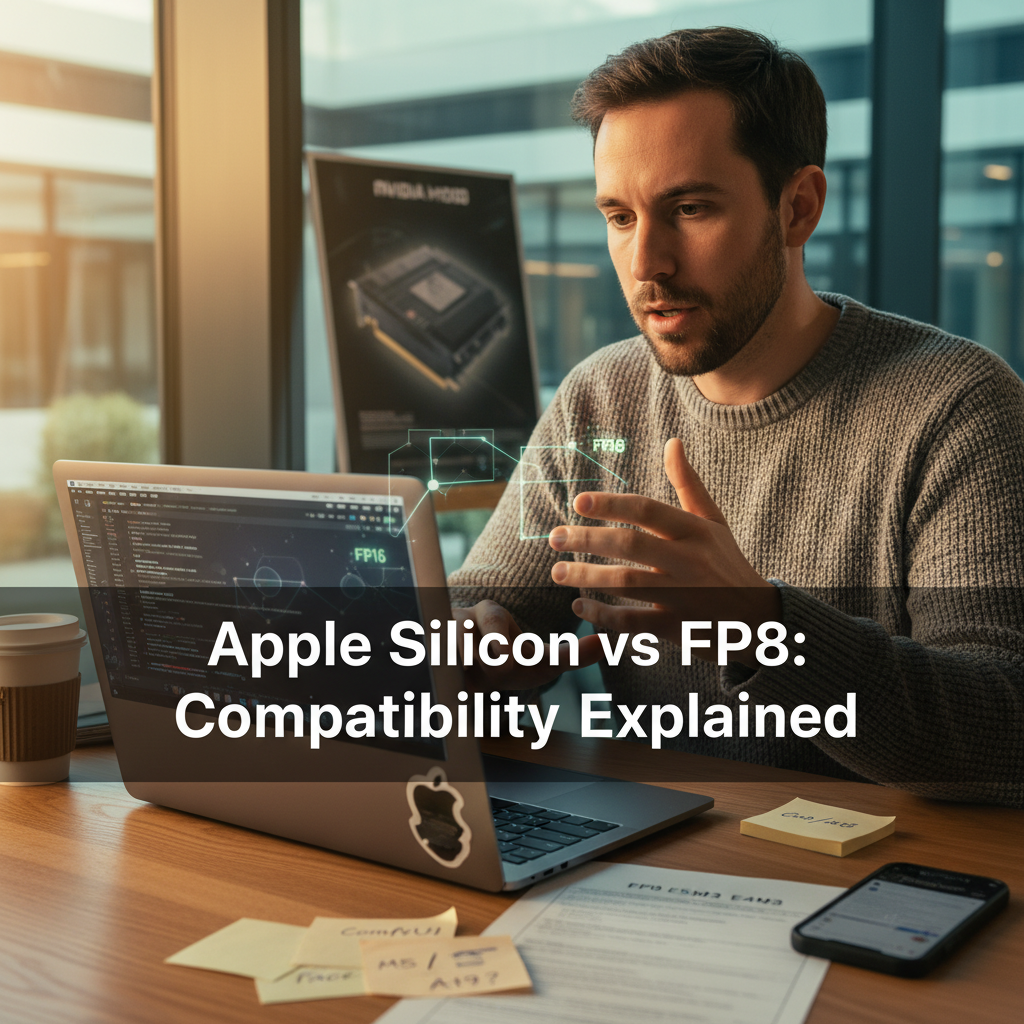
Understanding FP8 Limitations on Apple Silicon for AI Models

The buzz around Apple Silicon’s transformative impact on computing is palpable. However, when it comes to supporting modern AI models like ComfyUI or Hugging Face, questions arise about its compatibility with FP8. Let’s explore the intricate details of this compatibility and its ramifications for AI efficiency and usability on Apple hardware.
The Basics of FP8 and Its Role in AI
FP8, or 8-bit floating-point, is an emerging precision format in AI, primarily designed to enhance efficiency and reduce memory usage without compromising performance. Despite its efficiency, here’s why Apple Silicon isn’t on the FP8 bandwagon yet:
- FP8 Explained: It involves two unique formats—E5M2 and E4M3—tailored for different precision and range needs. (Learn More)
- Hardware Support Discrepancies: While NVIDIA GPUs like H100 have built-in FP8 capabilities, Apple Silicon’s M-series lacks such dedicated hardware.
- Impact on Users: This limitation affects developers aiming to create cutting-edge AI applications on Mac systems, influencing decisions on platform viability.
Examining Apple Silicon’s FP8 Limitations
The absence of native FP8 support on Apple Silicon creates a significant hurdle for developers. Here’s a breakdown:
- Emulated Mode Challenges: Without native acceleration, running FP8 models on Apple Silicon demands emulation, often leading to performance bottlenecks.
- ComfyUI and Hugging Face Impact: Popular models require adaptation or fallback to FP16, complicating workflows and affecting speed. (Read More)
- Everyday Implications: Users may find reduced model efficiency on Apple devices, affecting everything from research to production speed.
Addressing the FP8 Gap: Workarounds and Techniques
Despite the inherent limitations, there are practical solutions for developers:
- Quantization Techniques: Using tools to shift FP8 models to FP16 or BF16 can mitigate some performance issues.
- Utilizing GGUF Models: Specifically optimized models for Mac systems ensure functionality within constraints.
- Community Innovations: Developer forums and resources continually refine methods to run FP8 models efficiently. (Join the Discussion)
- Broader Impact: These workarounds allow developers on Mac platforms to stay competitive, ensuring ongoing innovation and productivity even with existing limitations.
Anticipating Future Developments
Looking forward, Apple’s roadmap suggests potential shifts:
- M5/A19 Rumors: Emerging leaks hint at potential FP8 support in future Apple chips. (Discover More)
- Industry Trends: As FP8 becomes the norm for transformers and other models, Apple’s strategic direction may adjust to maintain its competitive edge.
- Impact on Developers: With enhanced hardware capabilities, Apple users can expect improved speed and efficiency, matching current industry benchmarks.
Conclusion
While the lack of FP8 support on Apple Silicon limits immediate AI model compatibility, it isn’t a dead-end for developers. Through smart workarounds and ongoing community support, AI efficiency on Apple devices can be optimized, even without native FP8 support. As Apple evolves its offerings, we may soon see resolutions to these current limitations, paving the way for seamless AI integration.
TL;DR Table
| Theme | What’s Happening | Why It Matters |
|---|---|---|
| FP8 Basics | Lacks dedicated hardware in Apple Silicon | Limits AI model precision maintainability |
| Running AI Models | Incompatibility leads to performance issues | Impacts developers eager to utilize high-level AI |
| Workarounds | Community tools address compatibility gaps | Ensures developers can optimize AI models on Mac |
| Future Prospects | Anticipated hardware updates may close the gap | Potentially allows Apple to remain competitive in AI |
For further content on cutting-edge technology, visit ReporterFreya.